Disjointed workflow
Images, narration, music, preview, and export often live in separate apps or tabs.
Your AI-powered video studio in your pocket
The app keeps the workflow tight: import images, arrange scenes, add narration, choose optional music, preview the result, and export a shareable MP4.
Current scope
Storyboard editing, audio setup, preview, and local MP4 export.Presentation focus
Simple demo path, honest disclosure, and a polished dark cinematic look.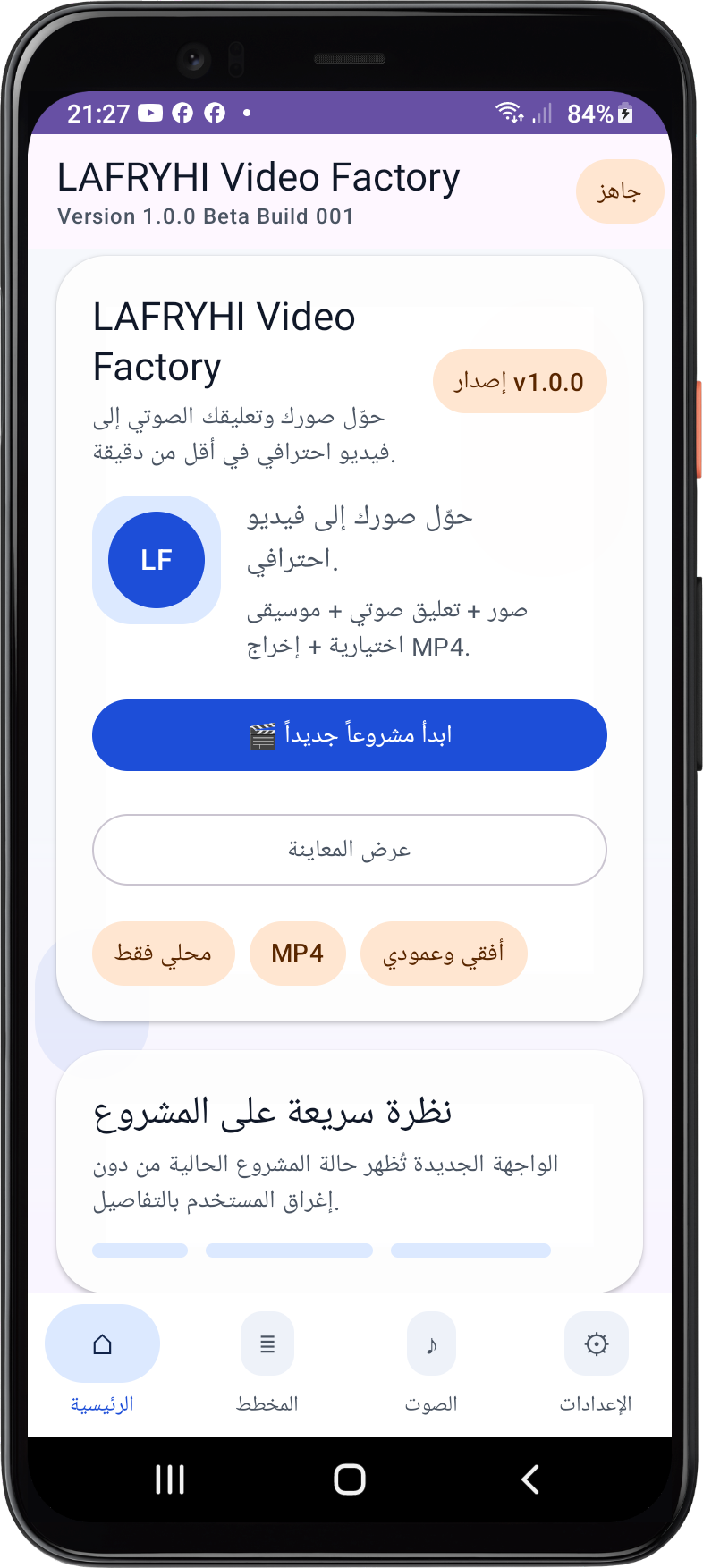
The Problem
Images, narration, music, preview, and export often live in separate apps or tabs.
For a build-week presentation, the process needs to be obvious, stable, and fast to explain.
The Solution
Add up to 30 images, reorder scenes, and toggle them on or off as needed.
Attach voice narration, optional music, and choose a local export folder.
Review the project state before generating the final MP4 on the device.
Features
Demo Flow
OpenAI
The shipped Android app does not rely on a runtime OpenAI API integration. OpenAI tools were used during development to help shape and polish the project, but the product itself stays local.
Audience
Content creators, teachers, students, small businesses, social media managers, and independent entrepreneurs.
Roadmap
Documentation polish, demo assets, and final submission packaging.
Script generation, scene planning, captions, metadata generation, content repurposing, and intelligent editing assistance.
About the builder
Primary School Teacher • Android Developer • AI Builder
This project was assembled as a build-week submission with a focus on a polished mobile demo path and honest scope control.
Submission assets
Audit, security review, OpenAI disclosure, pitch, FAQ, screenshots, and release artifacts are all bundled in the submission pack.
Open promotional composite